



Zecway is advertising early access to an AI product for searching company information, drafting answers and running some work through agents. Its public page describes three layers: search, an assistant and agents. It shows what the company wants the product to do. It leaves buyers with questions about which connections and controls they can use in their own workspace.
The pitch addresses a familiar problem. A team may know an answer exists but have to look through several places to find the version it should trust. An internal search product is meant to reduce that hunt. An answer assistant adds a different job by summarising what it finds. An agent takes the idea further by helping carry out a task. It is worth asking about each of those jobs separately.
For a related example of testing a vendor’s claims on a small assignment, see our FancyAI Skills guide.
What you can confirm from the public page
The Zecway website presents an early-access offer. It promotes a company-wide search box, answers that cite sources and access that follows permissions. It also shows example prompts about retrieving a pricing document and drafting part of a reply to a request for proposal. The examples are the vendor’s own illustrations, and they should be read in that context.
The site describes the search layer as looking across company tools. It mentions Drive and Slack in an illustration about a price deck and the conversation that explains a change. A prototype or sales example can make the idea clear without documenting every connection. For a particular team, ask for a supported connector list, differences between availability levels, and what needs to be configured.
The assistant layer is intended to use company information to generate drafts or summaries. The public description says answers are grounded in a company’s information and supported by references. A buyer can test the usefulness of that claim by opening the references and comparing them with the answer. The source should help the user tell why a fact appears and whether it still applies.
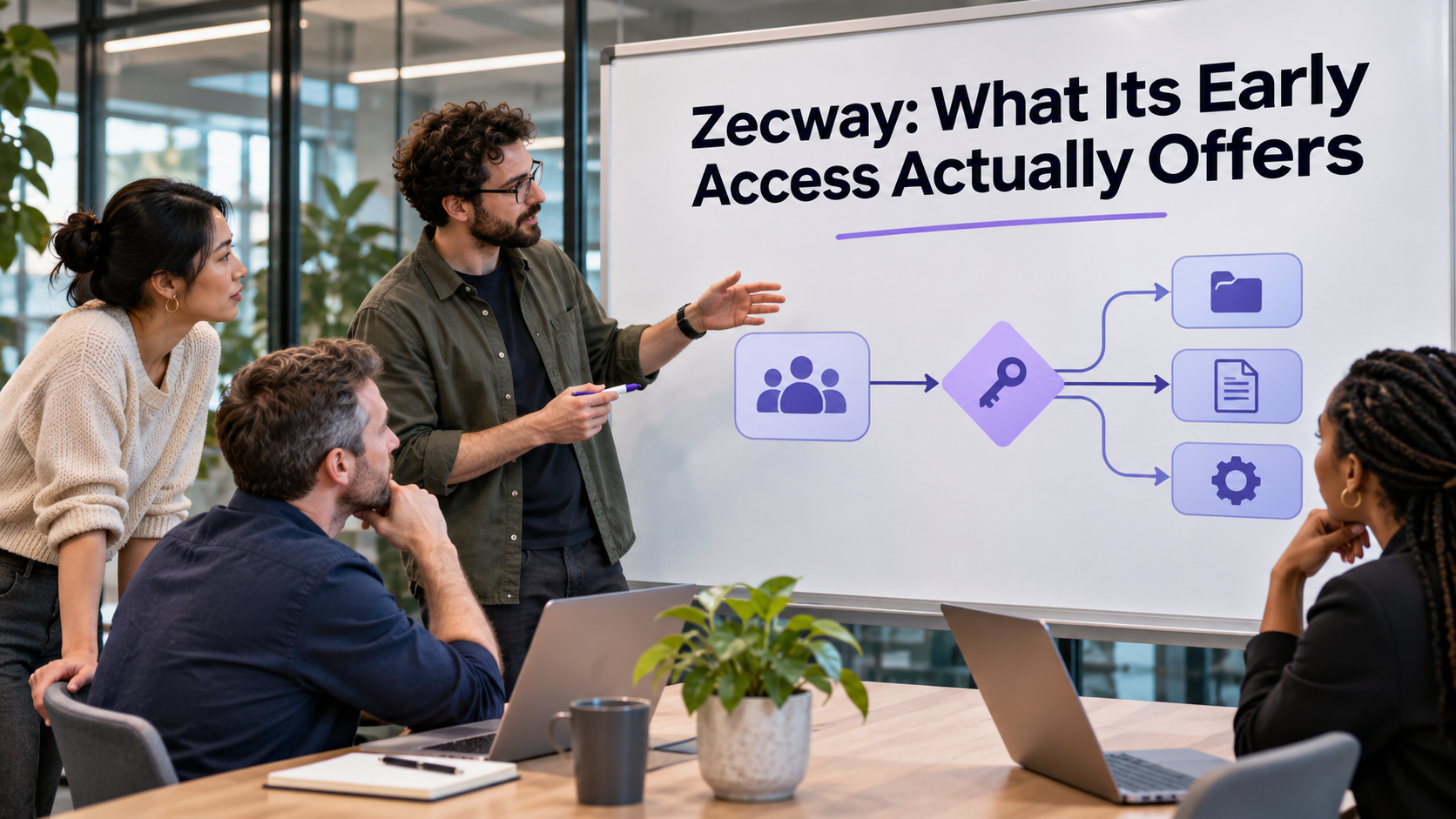
The agent layer is described with a scheduled example and a human approval step for posting. That example gives a useful starting question: which steps are automatic, and which wait for a person? Ask for the answer for the actual tool and action you intend to test. Approval may be configured differently for sending a message, making a change or drafting something in a private workspace.
Search: Can you find the right version?
A worthwhile search example is a document that has been revised several times. Create two test versions and clearly indicate which one the team should use. A search product might be able to find both. The real benefit depends on whether staff can see which version is newer or approved, and can open the file that holds the relevant information.
Look at what the product shows beside the search result. A title is rarely enough when similar versions share almost the same name. The original location, modification date or owner may help people choose the correct one. The source tool may also have fields that identify an approved revision. Ask which of those details are carried into the search view.
Try a plain question written the way a coworker would actually ask it. Then try a search containing the exact name of the file or project. Some users know the title, and others only know what the document contains. Both requests help you understand how the tool fits into the working habits of your team.
It is also useful to try a query for material that is absent. The site’s pitch is about answers grounded in company information. Ask how the tool behaves when that information does not exist in the systems it can see. A clear answer about missing information is more useful than a confident statement backed by a vaguely related document.
Assistant: Can the citations carry the answer?
A source citation is only useful when someone can open it and verify the statement it supports. For a test, choose a document with a date, a figure and a simple exception. Ask a question that depends on all three. When the answer comes back, check which source supports each part. If a second reference is listed, check whether it adds evidence or repeats what the first one says.
Use an outdated document to test how the assistant handles disagreement. An old policy may remain easy to find after a new policy takes effect. The assistant needs enough context to describe the difference or let the reader know which version it relied on. If the answer blends both versions, make a note of what your own staff would need to confirm before acting.
A vendor example can show where citation markers appear in an interface. Review your own example in the format you will actually use. If a draft is copied into an email or a different application, ask what happens to the references. People may need a separate route to open them or to check that they have access to the originals.
Decide what happens when the assistant’s output goes beyond the documents. A draft might use information from the source and add a phrase that sounds reasonable but has no support. That matters for external writing and high-stakes internal decisions. Give the reviewer a short checklist that connects important statements to the original sources before anyone uses the draft.
Permissions: Compare two people’s results
Zecway says its product is designed to enforce permissions before presenting information to the AI. A useful demonstration gives the same question to two users who can access different sample records. Use test data with clearly designated roles. The user with access should be able to retrieve their allowed information, while the other should receive an answer limited to what their account can see.
Check what the second user learns from the result. File names, snippets and citations can disclose information even if the whole document does not open. Ask how those details are controlled. A result based only on an old accessible source should make its limits clear so an employee does not treat it as the whole answer.
Then consider what happens when access changes in the source. Someone might move to a different team or leave a project. Ask the vendor how quickly permission changes apply and whether cached answers or shared outputs remain available. That behavior matters more in daily work than a single screenshot showing the intended result.
Make sure a shared summary is treated as a separate action. Two people may not be able to open the same original documents. A person who can read a source may still have responsibilities about where they share a summary from it. Try an example consistent with your organisation’s policies and ask which controls belong to the vendor product and which depend on the destination tool.
Agents: Ask what happens at the point of approval
A useful first demo uses an ordinary internal task. For example, a team might want a draft weekly note that pulls together information from a test folder. Ask the vendor to show where the user reviews the proposed message, what references appear with it and how to make a correction. If you only need the draft, see whether the workflow can stop there.
If the product can send something, ask which account sends it and what the approval interface displays. An approver usually needs to know the destination, content and source of a proposed action. A team may also want to see a record of what was approved, whether it completed and how someone discovers an error or a duplicate.
Consider the usual interruptions. A source file can go missing, a destination can be unavailable or the person who approves a message might be away. Ask how the run reports those situations. The useful outcome is that someone can see whether a draft is waiting, whether the task failed, or whether delivery really occurred. The public website’s example does not establish the precise handling of those cases.
Approvals and timing also depend on the work being done. The requirements for an internal summary can differ from those for a message sent to customers. Give the lowest-risk use case its own review. Once it works, consider the additional steps needed to take on another kind of action. A careful early-access trial keeps those stages easy to compare.
Questions to settle before relying on an early-access tool
Ask what the access programme includes now. The Zecway site describes early access and provides a sign-up form. The public page is not a quote or a full account description. Ask whether the capabilities you want are in the access you can receive, who can use them and what any future charges depend on.
Then ask which documents govern the handling of company material. Request the current terms and procedures for the account you intend to use. Confirm how connections are authorised, whether data can be removed when you end a trial, and who can see the material entered or generated in your test. You can start with synthetic material while those points are being resolved.
Make support part of the discussion. If a result uses a wrong source, find out how to report it and what information support needs. If there is a problem with an integration, determine whether your staff or the vendor is expected to diagnose it first. This is easy to overlook when an early discussion focuses mostly on features.
Finally, ask the team to choose a success threshold for one use case. A company might set out to shorten the time required to locate an approved document without losing its source link. Another might want a first draft that the owner can review in a few minutes. A meaningful measure helps compare the product with practices you use now.
What changes if a team already has enterprise search?
Compare the way people handle the same question in the existing search tool. If they normally find the correct source in a minute, a new product may need to show a different benefit, such as a reliable summary that links to the relevant sections. If the existing search regularly misses an important location, investigate whether the new connector actually covers it. A wider public claim about integrations is less useful than a demonstration of that location.
Ask a colleague who did not select the tool to perform the comparison. They may use a different wording or open the first result instead of the one a project lead expects. Notice if they can tell which source is trustworthy from the information on screen. Time the complete task, including opening references and reading enough to be sure of the answer. That gives you a fairer comparison than counting the seconds before the first response arrives.
The main details at a glance
Is Zecway a public consumer search engine?
Its public positioning is for search and AI assistance based on a company’s own information. The examples involve internal resources and workflows. If you found the name through a different business or domain, check which organisation the page identifies before applying any of these descriptions.
Does the website confirm every advertised feature is available to everyone?
It presents early access and examples of capabilities. For a particular connector, permission behavior or action, ask about the account you can use and test it with a sample. The same feature may be described at a different level of detail in a demonstration or in the terms for a particular customer.
What is the first practical thing to try?
Use a small folder with a current and an older document, agree which should be used and ask a question based on the current one. Try it with two test users when permissions matter. Inspect the results and the cited sources before bringing more tools into the same trial.
How can readers send updated documentation?
Use Core News contact and include the vendor’s source page or current written detail. More information about the publication is on About Core News. For early access or a commercial enquiry, use the form linked from the vendor’s own website.
