


QUICK ANSWER
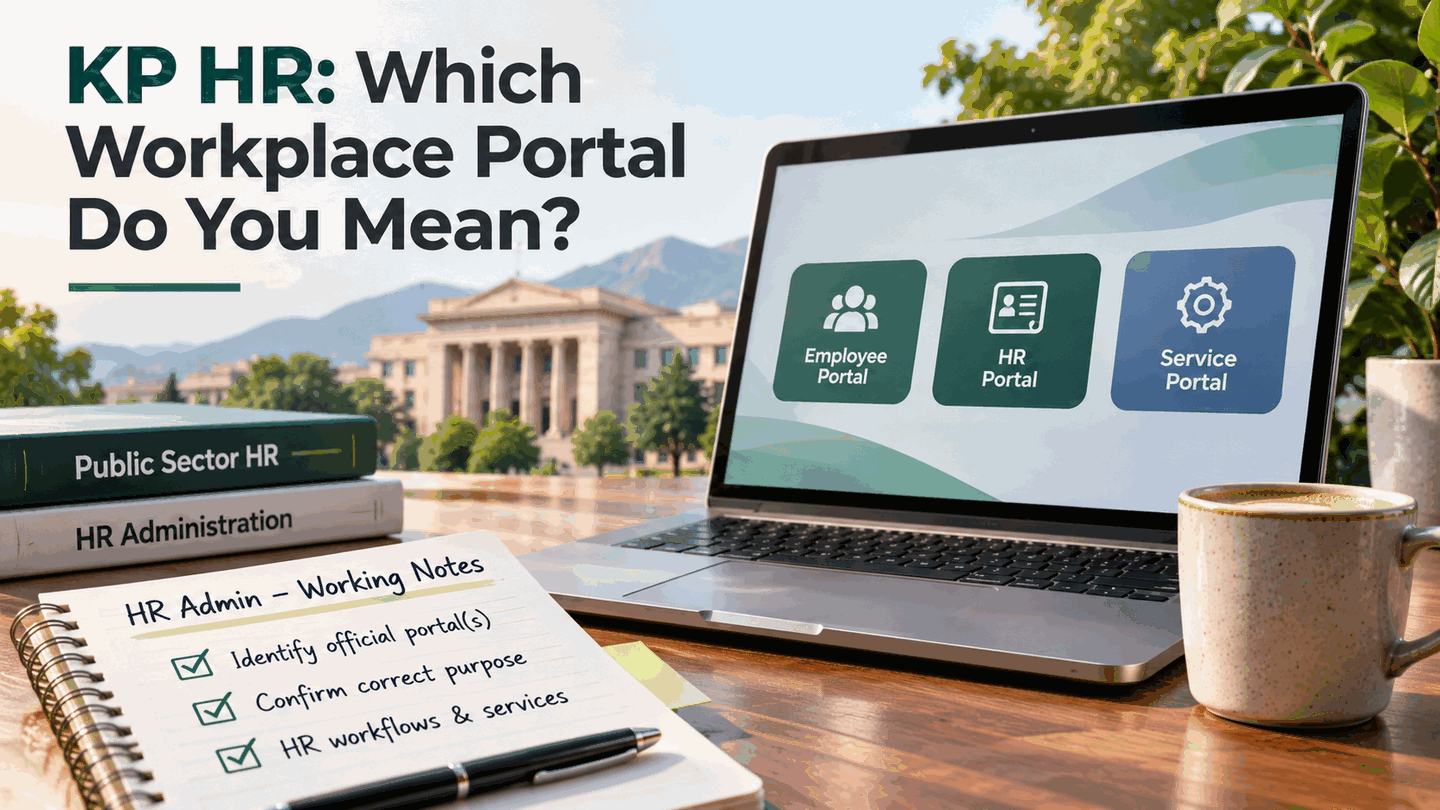
KP HR can refer to several workplaces or portals. The Khyber Pakhtunkhwa Public Works Department publishes a guide for its HRMIS. Confirm the department and the exact task before you use a particular login link.
A portal name on a screenshot may be shorter than the name in a staff handbook. If a colleague says “use KP HR,” ask which office they mean and what you need to do there. A request to change a record and a general question for human resources may have separate routes.
A public example of KP HR documentation
The KP Public Works Department HRMIS user guide is a first-party document for that department’s system. The document’s department and domain help identify its scope. A separately named site such as KP HR Connect has its own published information. Treat each as a distinct source and rely on your own employer’s current instructions for access.

| Detail in the message | How it helps |
|---|---|
| Employer or department name | Narrows the organization |
| Task label | Helps distinguish employment records, leave and payroll |
| Staff guide date | Indicates when the process was documented |
| Official help route | Gives you someone to confirm current access with |
What to send the help desk
State the task and where you got the link. If the page shows an error, copy the error text without including private account details. If you are new to the organization, ask how access is provisioned and who approves the account. Have your department confirm if you should use a work account or a separate login.
When an older link still appears
Your browser can remember a sign-in page after staff instructions change. Compare a saved link with a recent internal notice before entering credentials. If an unexpected message gives you a different domain and asks for documents, contact the employer through an established directory first.
Send source corrections through Core News contact.
