


QUICK ANSWER
Chosenly.com is a custom business email domain used by Chosenly. On November 25, 2026, its public MX pointed to Google. The published records show incoming routing, while Chosenly’s terms identify the address it uses for support.
The phrase “Chosenly.com email domain type” can mean three things. You might be asking who uses the domain, which mail service accepts messages for it, or which category a sign-up form should assign to an address ending in @chosenly.com. Each question calls for a different source. The company website explains business use, the DNS answer shows routing, and the form owner decides how it defines a business or personal address.
The distinction matters when someone asks you to whitelist an address or update the email on an account. The name after the @ sign can tell you which domain is in use. It is far less useful for determining the identity of the person behind a specific message.
What kind of email domain is Chosenly.com?
Chosenly.com is a custom organizational domain. Chosenly’s published terms identify Chosenly LLC as the site operator, describe a software platform for business customers, and list support@chosenly.com as a contact address. The company homepage describes its product as software for measuring and improving how businesses appear in AI search.
The support address gives a practical example of the classification. The word “support” identifies the published contact, while “chosenly.com” identifies the domain. Both appear in one address, but they serve distinct purposes. You can confirm the company’s use of that address in the terms. You would need other evidence to determine whether it is an individual inbox, an alias or a group that directs messages to several people.
On a form that asks for your email domain, enter chosenly.com if that is what appears after the @ sign in your address. If the form asks whether it is a personal or business address, consider who issued it and how you use it. An address issued by Chosenly for its business would ordinarily fit a work-email category. A form can still impose its own domain rules, so use the service’s guidance when its definition differs.
| Question | Evidence to use | What the evidence establishes |
|---|---|---|
| Does Chosenly use the domain for business? | Published company site and terms | The organization presents the domain as its own business web and email identity |
| Where does incoming email go? | Current DNS MX response | The named destination for inbound mail |
| Which plan is active? | Authorized billing or admin records | The actual account edition and terms |
| Can I create an address there? | Official offer, invitation or administrator confirmation | Who may obtain an address and on what terms |
| Who sent this particular message? | Known contact route and relevant message records | Whether this communication can be attributed to the claimed sender |
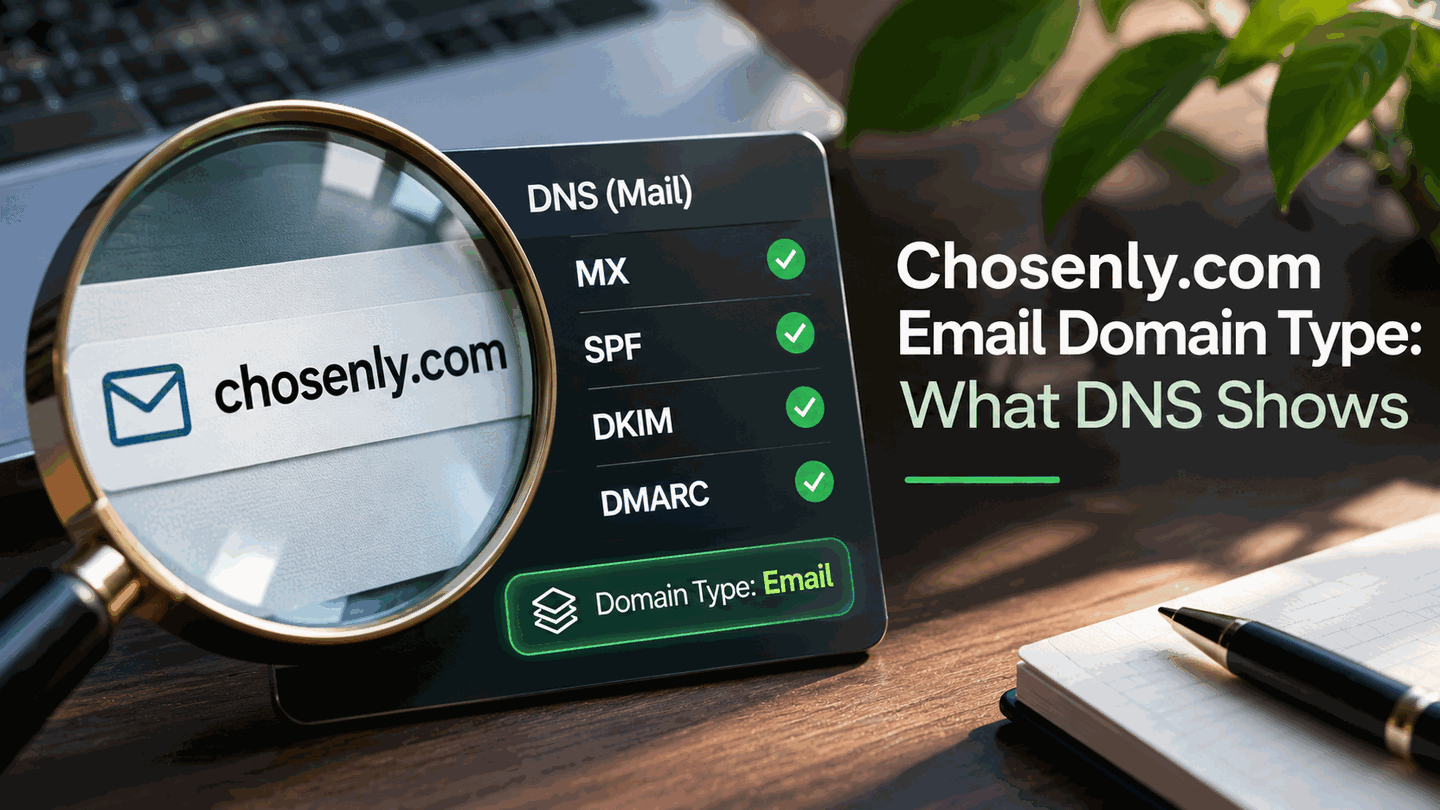
What the Google MX result shows
The public DNS query for Chosenly.com returned one answer on November 25, 2026. It listed priority 1, the exchange smtp.google.com., and a TTL of 300 seconds. The hostname and priority match the values in Google’s Workspace MX setup instructions. The trailing period is DNS notation indicating that the hostname is complete.
MX is the record that tells other mail systems where to try delivering a message for a domain. The destination is sometimes described as an incoming mail server or exchange. In this case a sender can use the Google destination from the public answer to begin delivery for an address at Chosenly.com. A separate step happens inside the destination’s configuration to decide what to do with a specific message.
The MX preference matters when there is more than one destination. Lower numerical values are preferred under the SMTP standard. With one published record in the observed result, there was no second listed exchange to compare. The TTL is a DNS caching value in seconds. It does not measure the time a message spends in transit, how quickly support replies or how long an address remains active.
If the distinction between Google and Chosenly feels confusing, read the contact address again. The recipient remains support@chosenly.com. The routing lookup names smtp.google.com as the next destination for mail. Sending to a guessed name at Gmail instead would change the recipient. The Chosenly.com MX records guide goes further into the dated observation and the meaning of each field.
Custom domain and mail provider are separate classifications
A custom domain creates an address that belongs to an organization’s own namespace. An email provider supplies some of the systems that accept, store or send messages. In this case you can identify the company domain in an address and separately observe that its incoming MX destination points to Google.
The same distinction applies to other businesses. A retailer can use addresses at its own domain while paying an outside supplier to operate its email. If the retailer changes suppliers, it may be able to keep the original addresses. Someone who kept an old contact in their address book could still use it while the systems behind the scenes have changed. A published domain name and its current route deserve separate fields in a contact directory for that reason.
“Google email” can also mean different things to the person asking. If you mean whether the address ends in gmail.com, it does not. If you mean whether the published destination is consistent with the Google Workspace instructions, the November 25 lookup supports that reading. If you need the exact configuration inside the tenant, ask the domain administrator. Google’s instructions treat adding an MX record and activating Gmail for a domain as distinct steps.
What to check when a registration form rejects the domain
Save the exact error and identify the service showing it. A form can check address format, require an employer’s domain, or make a decision using its own allowlist. Sometimes the rejection appears after a verification message could not be delivered. The way to investigate depends on which step failed.
A message saying “enter a valid email address” may be triggered by extra spaces or a typo. A “work email required” message usually reflects a product rule. If a verification message was sent but did not arrive, confirm the destination you entered and check with the sending service or the mailbox administrator. The existence of an MX result can help you describe the domain to support, but it cannot tell you whether that service allowed the address or whether a message reached it.
If the form belongs to your employer or a vendor you work with, ask which address you are expected to use. A company support address can be real and public without being your personal account. Sending a recovery code to an address you do not control can lock you out later. Use the address you are authorized to access and can recover if needed.

How to assess an email that claims to come from Chosenly
Compare the full address with a first-party contact source. Check the spelling after the @ sign and keep an eye on the difference between a display name and the actual address. If a request concerns payments, sensitive files or account access, contact the company through an independently sourced route and ask whether it sent the message.
Mail authentication can add context to that check. Administrators can use the authentication results that their own mail service records to investigate whether a message was sent through approved infrastructure. Incoming MX answers do a different job. They tell a sender where to deliver mail to the domain and cannot approve payment instructions or establish which person wrote a message.
The published support address is helpful when choosing a direct contact route, particularly if you already have an established relationship with the company. It does not show that every imaginable address on the domain works. Use an address published by the company or given to you by a person you already know instead of testing guesses.
Common questions about the Chosenly.com email domain type
Should I select business or personal for an address at Chosenly.com?
A company-issued address used for Chosenly work normally belongs in the business category. The form’s own policy and your relationship to the account still matter, so use the address you were instructed to provide.
Does the address become a Gmail account because the MX points to Google?
Its domain remains chosenly.com. The MX points to Google for incoming delivery. The published result does not identify the account’s interface, subscription plan or sign-in path.
Are Chosenly.com addresses disposable?
The company materials reviewed document a named support contact for a business. They do not document a disposable mailbox product. A website that calls an address disposable by its own rules would need to explain that classification separately.
Is there a free public email plan for this domain?
The Chosenly.com free email domain guide compares the company’s published offer with what a public mailbox plan would need to show. Its own terms and pricing material describe business software rather than a public supply of email addresses.
Can I verify that one specific mailbox is active?
The public lookup applies to the domain, not the mailbox. Confirm through an established contact, an authorized administrator or a legitimate delivery attempt to a published address. An SMTP error may explain an unsuccessful attempt, while a lack of a reply cannot independently tell you whether the account exists.
For routine use, keep the public domain, observed routing and mailbox-level claim in separate notes. You can reliably record that Chosenly uses a business domain and that the observed MX pointed to Google. For details about a particular account, move to the source that actually controls or uses it.
