


QUICK ANSWER
NL ext:asp may combine a Dutch language or Netherlands label with an ASP-looking suffix. An address alone cannot establish the language, intended audience or software. Identify where the label appears and verify the content directly.
Dutch and the Netherlands are closely associated terms with different jobs in a website description. A reader’s language is one piece of information. A site’s intended market or the location it covers is another. If you are looking at a clipped label in a report, work out which piece of information it was meant to supply before using it as evidence.
The question behind the two letters
When it appears as a language identifier, “nl” stands for Dutch. A region identifier can describe a more specific audience or form of a language. The IANA registry has separate entries for language and region. An ordinary note might use uppercase or lowercase letters inconsistently, so look at the label’s position and purpose before reading too much into its typography.
| A label or clue | A useful reading | A detail to verify separately |
|---|---|---|
| Dutch text in an article | The language of that visible text | How the rest of the site is organised |
| A Netherlands region setting | Which edition or market is selected | The language of the page that opens |
| A file-like address ending | The shape of the published URL | How the page is generated or hosted |
| Search preview language | The wording displayed for that result | The publisher’s current title and prose |
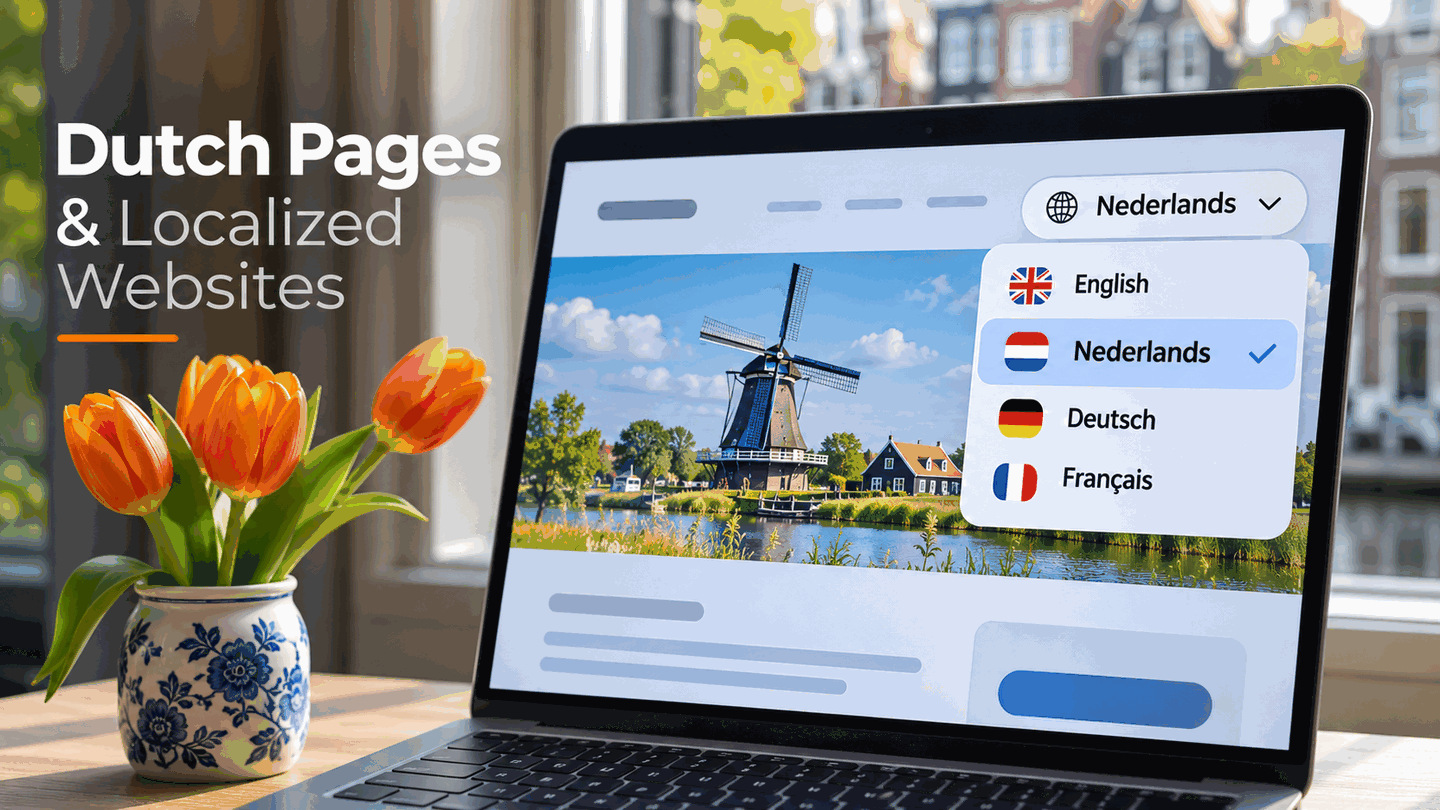
Dutch may be the language of one edition offered to several places. If a site lists separate editions, read the heading and service or delivery information for the version you are citing. For example, two Dutch pages might describe different areas, even when their introductions look similar. Google’s guide for multilingual and multi-regional sites uses this distinction to separate multiple languages from multiple geographic markets.

A filename has a different purpose from a language tag
A file-like ending is usually visible because it is part of an address. You may see the same style of address on a page with Dutch prose, English prose or a language picker. The ending itself says very little about either the edition’s language or the way the current site is built. If your article is about a Dutch service, find the main text that identifies that service, then attribute what it says to the publisher.
Web pages can also declare a language in a way software can read. W3C’s language-declaration guidance describes attaching a language to the page and marking individual passages when the language changes. That is useful when preparing a page for users and machines, but an old or mismatched declaration is possible. If the reader-facing content and the label disagree, specify both.
How much can a search result support?
A dated screenshot records what someone saw. It may establish that a specific title or address appeared on their screen at a particular time. Use the original publisher page if you need to establish what the full article said. Google Search Central’s overview of search operators points out that search results are limited by indexing and retrieval. An absent result cannot tell you whether an article exists elsewhere on the same site or was replaced after the next crawl.

Owners checking their own website can go one step further. The URL Inspection report distinguishes information about the indexed URL from the live test. Check whether you inspected the Dutch edition or a different address. Save the date and the edition with the result so a later reader can tell whether they are comparing the same page.
Questions about NL ext:asp
Does NL always stand for Dutch?
Check where the letters appear. A language tag, geographic edition name, URL and private note use labels for different purposes.
Is the address enough to identify a Dutch edition?
Use the address for reference, then read the content and look for the publisher’s language selector or edition information. Save the exact version once you have identified it.
Can I determine who published it from a result preview?
Use a direct link to the publisher and check the name on the article. A preview can help you find that page, but it does not give all the context a citation needs.
For a related example of the limits of an indexed result, see our guide to web addresses and search results.
