



QUICK ANSWER
SP ext:php may pair a local label with a PHP-looking address ending. On a site you manage, verify the published language and intended region separately. Neither can be established from that wording alone.
A spreadsheet entry marked “SP” can make sense to the person who wrote it and mean very little to the next editor. It might mean Spanish, Spain, or an internal edition name. Each possibility leads to a different task. Translating an article into Spanish changes its language. Creating an edition for readers in Spain may also change prices, contact routes, publication dates or the services described.
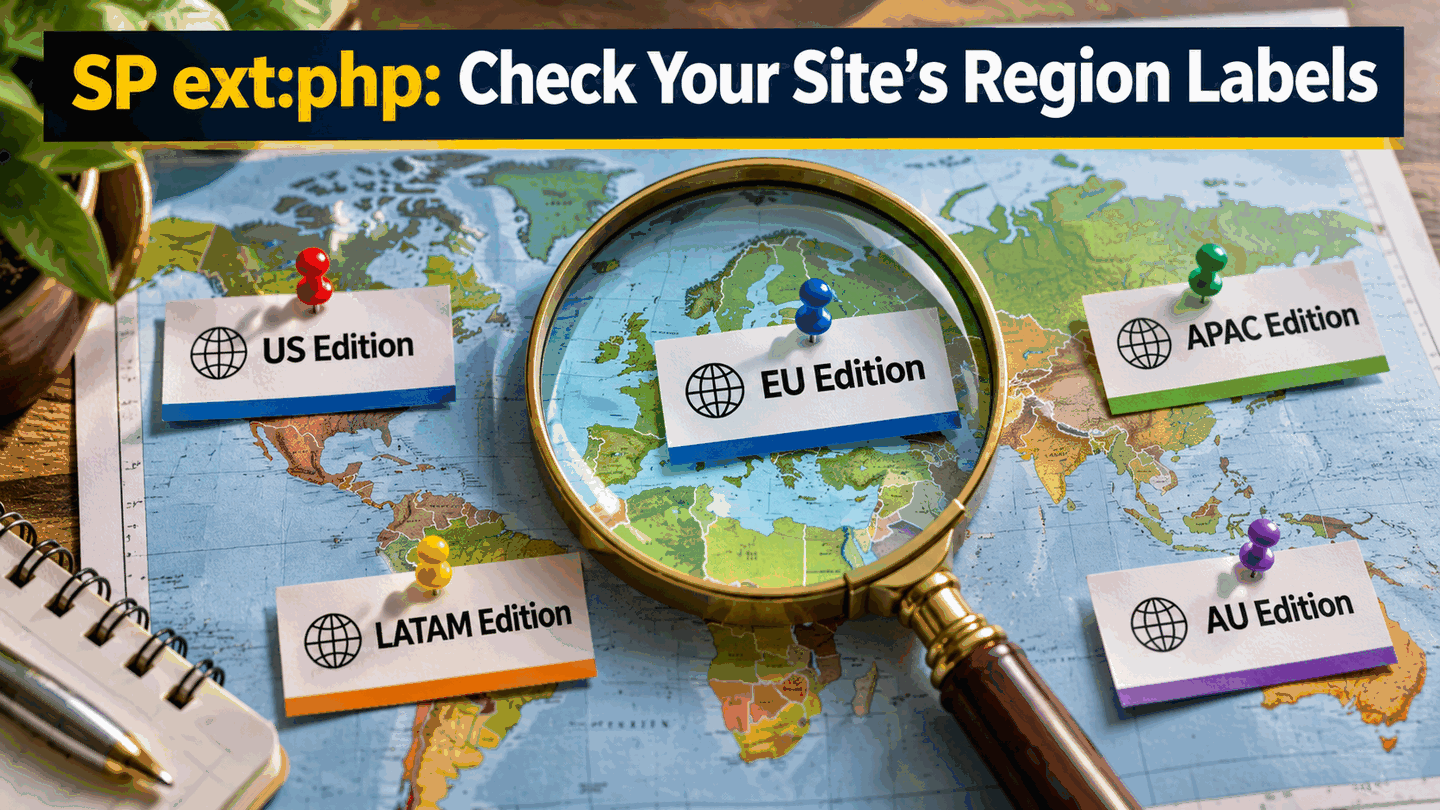
Make a map of the editions you actually publish
Start with one page your team manages. Copy its public address and record the language of the headline and main text. Then write down the audience the content is meant to serve. If you have a general Spanish version and a separate edition intended for Spain, record both addresses. Make sure you are comparing equivalent pages, such as two versions of the same delivery guide, rather than joining unrelated pages simply because both are written in Spanish.
The IANA Language Subtag Registry records es for Spanish and ES for Spain in their respective roles. The W3C explains how the parts of a language tag fit together. For example, es-ES combines Spanish with Spain. It describes the language and region in that order. It is more precise than a private SP label when you need a documented public tag.
| Item to record | Example | How to confirm it |
|---|---|---|
| Internal edition label | SP | Check the team’s content map or ask its owner |
| Language of the main content | Spanish | Read the published heading and prose |
| Language identifier | es | Compare with the IANA registry |
| Language plus regional designation | es-ES | Verify that Spain is the intended regional edition |
| Actual page address | The exact link in your own site’s menu | Open it and record the final address |
Check what your language selector actually opens
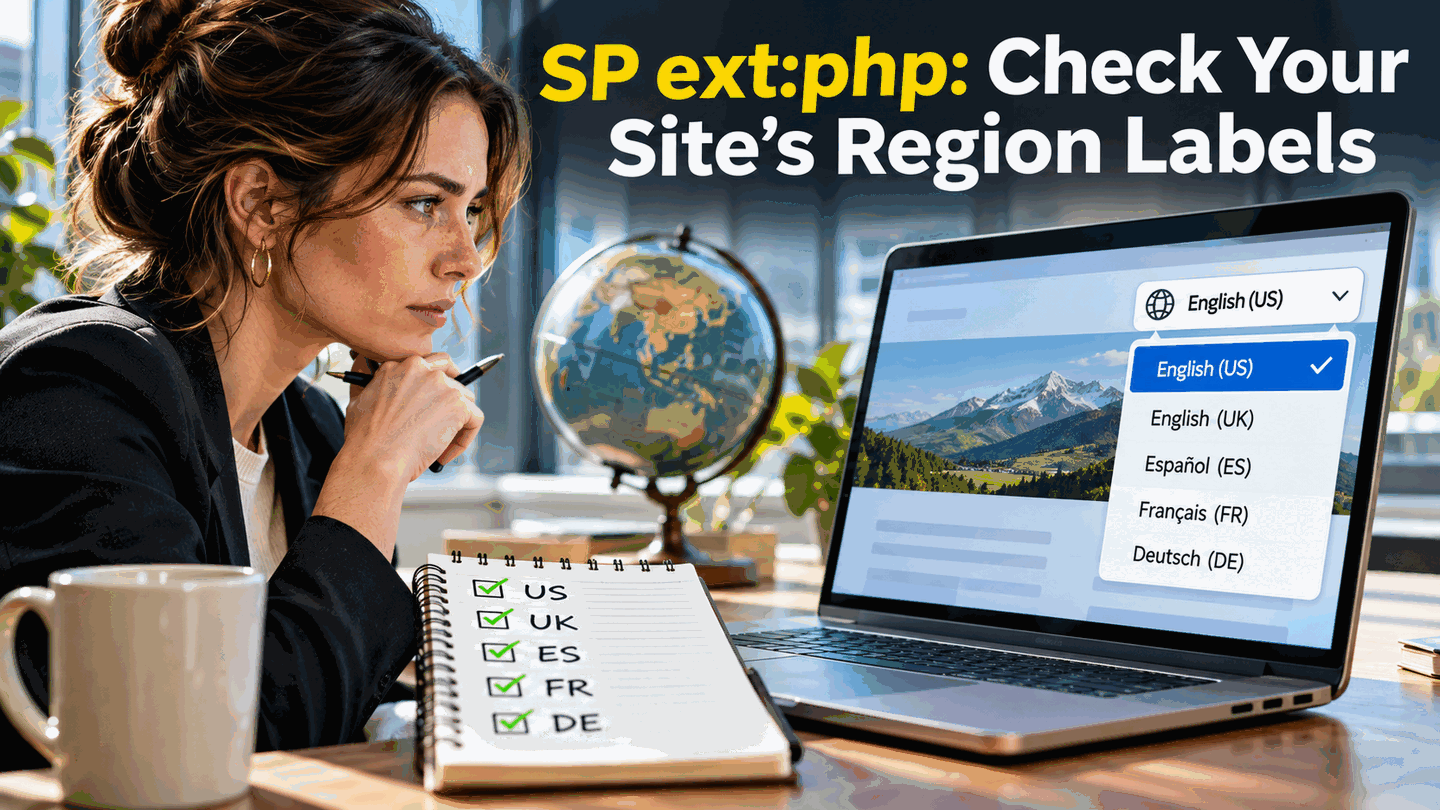
Ask a colleague to open your site and switch language on a specific article. Does the selection lead to a corresponding version or to the Spanish homepage? A switch to the homepage can be intentional if a translation is unavailable. If a corresponding version exists, linking it directly may save readers from having to locate the article again.
Do the same check after changing region. A reader might remain on a Spanish edition while moving from a general guide to one giving Spain-specific details. Verify that the current page displays the details promised by the edition label. If shipping terms or contact information are involved, compare those details with the relevant publisher records.
A familiar string at the end of the link is just one part of the public address. Keep that address in the edition map so colleagues can identify the correct page. For questions about the underlying publishing system, use the site’s own records.
Document relationships between equivalent pages
Google’s documentation for localized versions explains how publishers can identify alternative language or regional pages. Keep an editorial list of the URLs that represent each edition before checking the site’s implementation. It is easier to review the public signals when your team agrees which destinations are intended to go together.
Look for missing, stale and inconsistent entries. If an editor replaced a Spain edition with a new page, update the edition map and compare it with the destination readers currently reach. Make sure the language label describes the text you publish. The W3C guidance on language declarations also explains how to mark the language of a page or a passage that switches language.
If a search result still seems to describe an earlier version, inspect the exact URL in your verified Search Console property. The indexed report and the live test tell you about different points in time. Save the URL, date and edition with your check so someone else can compare the same page later.
Questions about region labels
Can our team still use SP internally?
Yes, if the label is defined where colleagues can find it. Use the public language and regional codes appropriate to the edition when configuring your site.
Do all Spanish pages need a region in the tag?
Use the language code for a general Spanish edition. Include a region when it describes a real difference in the audience or regional form you intend to identify.
What if the Spanish page redirects?
Record the old address and the destination separately. Verify that the final page matches the language and regional edition you intend readers to see.
For related reading, see our guides to how English-language paths are used and how to verify a Dutch web edition.
