


QUICK ANSWER
The phrase Views ext:asp does not identify a readership metric. Views may be a heading, a label or a count. Check the surrounding text, and use your own authorized analytics to confirm measured page activity.
A reader sends you a screenshot and asks how many people viewed an article. The only visible word beside the link is “Views.” That may be the name of a column or part of the article title. It may even refer to opinions rather than audience activity. The word leaves the question open until you can see where it appears and what, if anything, it labels.
An older-looking address does not clear up the meaning. If the page is yours, you can answer by checking the live wording and the report responsible for your readership numbers. If you only have a public screenshot, describe what you can see and ask for the context that is missing.
Identify where the word appears
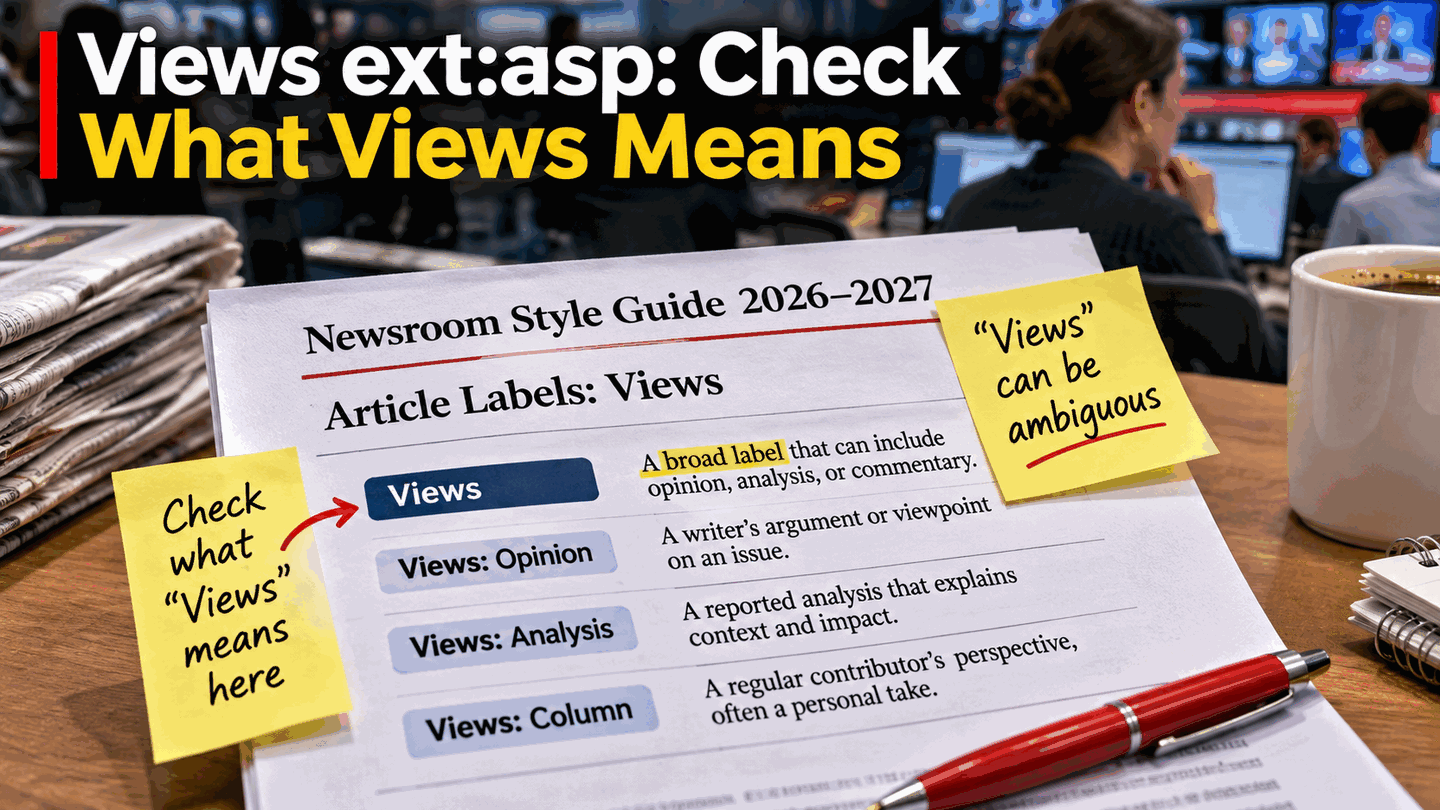
Start with the screen that supplied the clue. If “Views” sits above several articles in the navigation, it might be an editorial section. If you see it immediately beside a number, look for a description that defines the count. If the word appears in the heading on a search result, check the destination’s title and visible heading directly.
A screenshot can crop away a date range or a label. Ask for the whole panel if the source is an analytics report your team is authorized to view. Keep the exact article address, time and report name with the note. A statistic for a single month and an all-time counter may both look plausible and answer different questions.
| Where you saw “Views” | What it might be | What to establish next |
|---|---|---|
| In navigation or a heading | An opinion section or collection | Read the surrounding links and page introduction |
| Beside a public number | A count defined by the publisher | Find a definition, date range and scope |
| In a Google result heading | Wording used by the search system | Compare the live title and the main heading |
| In your analytics dashboard | A metric with a reporting definition | Check the property, date range and selected page |
| In an old-looking URL | Text in an address | Check your own content records for the relevant destination |
Compare the search heading with the page heading
Google explains in its title link documentation that it can use several inputs to produce the heading in a search result. These can include the page title, prominent text and other relevant signals. If a screenshot shows “Views” in that heading, compare it with the live page title and main heading before treating it as the publisher’s chosen title.
The short summary below the heading is another field. Google’s snippet guide describes how previews often draw from page content and may use the description if it helps summarize the page. A title, snippet and address can appear together while quoting or describing different parts of the same page.
When editing your own website, make the purpose of the page obvious to readers. If “Views” is a collection of opinion pieces, a heading such as “Views and commentary” is easier to recognize. If you publish a counter, use a label that explains what the number represents when you have a reliable definition.
Use your reporting system for measured activity
In your own authorized GA4 Pages and screens report, Google defines views as the number of web pages or app screens seen. Repeated views of the same page or screen can contribute to that total. A count of views does not provide a count of different people. Choose a metric defined to answer the question you are reporting and keep its name in the copy.
For example, suppose your editor wants to publish “people read this explainer.” Check whether the report actually counts views. If it does, write “the explainer recorded page views” with the date range and use the verified figure. If you need a count of users, ask for the applicable user metric and what it includes.
Check which page the report represents. Your site can publish more than one article with a similar heading, or a URL may have changed over time. Use the dimensions and property settings available to your team and check the dates before combining figures. A change in staff reporting practice is another reason to preserve the name and definition of a metric.

Keep Google Search performance separate
Some editors ask for reach in search when they say “views.” Search Console’s guide to impressions and clicks describes those metrics separately. An impression concerns the appearance of a result under the relevant report rules. A click describes an interaction with a result under its own rules. Neither substitutes for the page views collected by your website’s analytics.
When sending an update, use the exact metric label. Say whether it comes from a website analytics report or Search Console, what dates it covers and which page or set of pages it includes. If the figure is missing, report that you could not confirm it from the material available.
Does the URL suffix reveal how many people opened a page?
The address supplies no count. Use a defined public counter or authorized analytics information and confirm what the displayed total includes.
Is a views total a count of different readers?
It can include repeated visits or views under the tool’s definition. Check whether the question is about activity or people before choosing a number.
What is the fastest check for a mismatched title?
Open the exact destination and compare the visible heading with the result heading. Keep the date and the original screenshot if you need to discuss the difference with your team.
For related reading, see our guides to why page labels can differ and what search snippets can show.
