



QUICK ANSWER
If your catalog uses older .asp addresses and generic “Products” headings, give each page a title that reflects its role. Keep useful addresses stable, and verify changes in the Search Console property you manage.
Your catalog can be easy to browse from the homepage and still look vague in search or in a shared link. A category called “Products” tells a returning customer where they are in the menu. Someone who first sees that label in a browser tab may have no idea whether it leads to a whole catalog, a group of items or a single model. That gap is where a catalog title review helps.
Treat “ext:asp intitle:products” as a shorthand for an editorial question about your own site. Do shoppers have enough context to know which page they are opening? The public address and the title are separate parts of that answer. An old-looking address can lead to a clear, current product page. A new address can still hide behind a vague title.
Name the page for the decision it supports
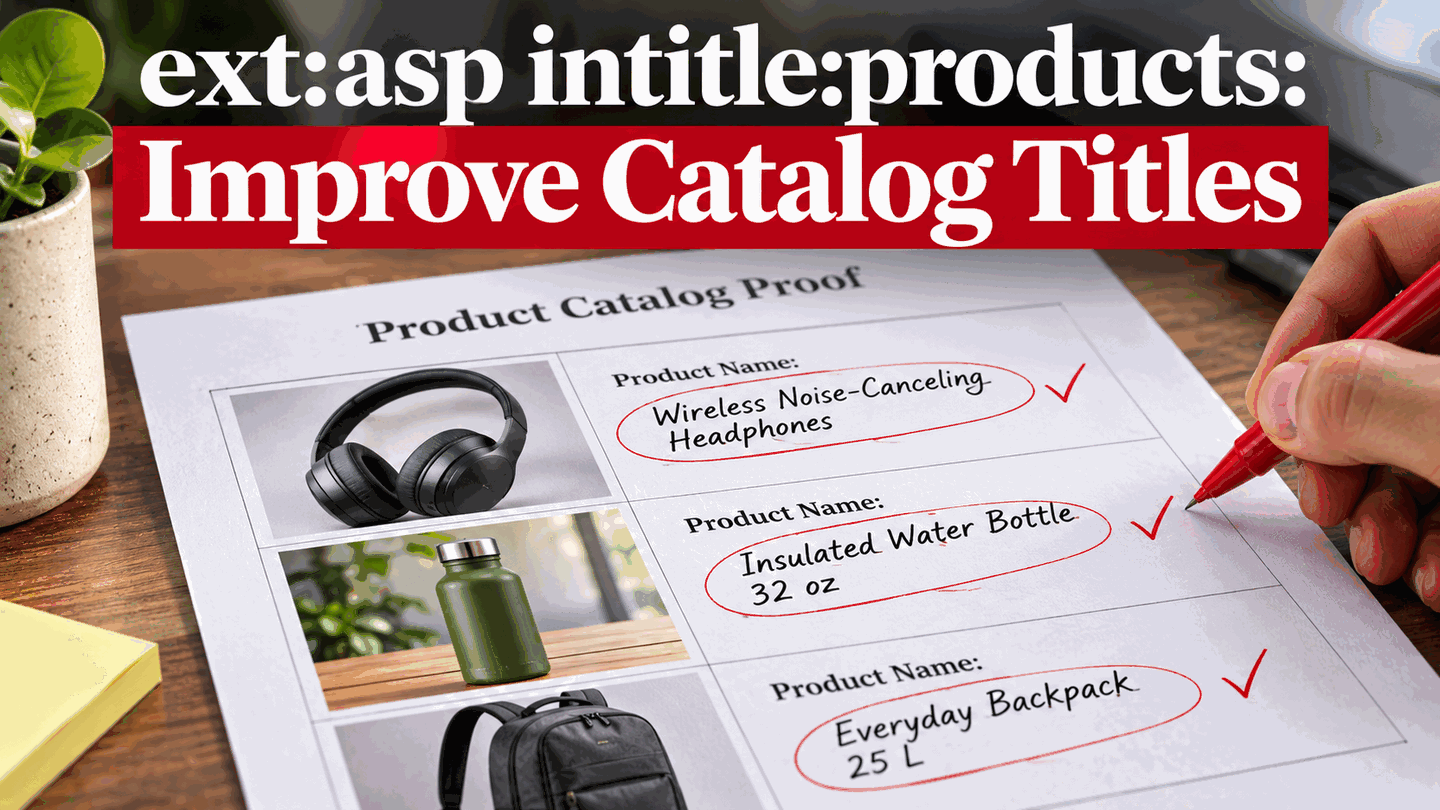
Start from the catalog’s main navigation. Open a small sample that includes the top-level catalog, a category, a subcategory and a handful of product detail pages. Read each visible heading along with the product information beneath it. You want the heading to tell a shopper where they are before they have seen every tile or filter.
A category title can name the kind of products in that category. A detail page can identify the individual item or model. If the store sells two nearly identical models, include the difference that matters to the customer, such as a model identifier or a capacity. Use details the page itself supports. A promo slogan or a stock claim that quickly becomes stale can make a result less clear after the page changes.
| Page type | Example of a clear title | What to confirm |
|---|---|---|
| Catalog landing page | Products by department | The page actually groups products by department |
| Category | Desk lamps | The items and navigation support that specific category |
| Subcategory | Rechargeable desk lamps | The listing shows the stated subset |
| Product detail | Alder rechargeable desk lamp, Model A20 | The item name and model agree with the page |
| Help page | Choosing a desk lamp for a small desk | The page offers guidance rather than product inventory |
The examples are illustrative. If your products use the same names on packaging, invoices and customer service records, preserve that wording where it helps people confirm they found the right item.
Put the main subject in both useful places
The title element provides one description of the page. The visible main heading provides another. They can serve different presentation needs while keeping the same subject. A browser or search title might include a short store name. The heading inside the page can focus on the category or product once the site’s identity is already clear.
Google’s title-link guidance explains that Google can draw wording from multiple sources, including the title element and prominent text on the page. A descriptive title helps supply good information. It cannot guarantee that a search result will display the exact text you wrote. When the title, heading and body all describe the same thing, readers have a clearer path even when the wording presented in a result varies.
Avoid using the same full title for every page in a section. Keep shared store wording short enough for the distinctive details to stand out. Check templates as well as individual edits. A template that borrows “Products” from a section label might need to insert the actual category or product name. If you edit just one page as a trial, confirm that the template still works for the rest of the catalog.
Check titles separately from navigation labels
A brief “Products” link can remain useful in the main menu because it sits alongside familiar choices such as Contact or Help. Its brevity does not require every page to use the same heading. Keep the menu clear and make the page people reach specific enough to identify in a tab, bookmark or shared link.
Keep a useful address while you improve the wording
Your customer may already have a product URL in an email, purchase record or bookmarked comparison. If the address still opens the correct page, a clearer title is usually an editorial change you can make without changing the link. A visible .asp ending is part of the public address. It does not settle how a site currently produces the page or whether the content is outdated.
If a separate redesign calls for a new structure, keep a list of the previous product and category addresses. Pair each old URL with the correct new destination and check that the destination carries the same relevant information. Google’s site-move guidance covers planning that mapping and keeping the new links consistent. Use that process where the URLs really change. You can complete a title cleanup on stable addresses first and track its effect separately.

Check the edit as a reader and as a site owner
Open the saved address from your inventory. Look at the browser title, the main heading and the product name. Try the same link from your own navigation. If the name in the title says “rechargeable,” the visible listing should not imply that the whole set is wired. Small mismatches can slip through when a template uses internal inventory labels that customers do not recognise.
Search Console’s URL Inspection guide distinguishes the information Google has for an indexed URL from a live test. Use the property you manage to check the relevant page. Save the edit date and what each view showed. An older indexed view can give you useful context after a change. A live test gives information about the page at the time of that test. Allow for those views to describe different moments.
Keep a comparison record you can repeat
For each trial page, record the address, its old and new title, its visible heading and its page type. Include a note for anything unusual, such as a product temporarily out of stock or a category recently renamed. When you review the results later, you can see whether another change might account for what you observed.
Frequently asked questions
Does “Products” always need a replacement?
It can be a clear label on the site’s main catalog page or in its navigation. Give category and product detail pages names that distinguish them from the main catalog.
Will a .asp address stop Google using the new title?
The visible suffix is not the source of a title link. Read Google’s guidance on how it uses descriptive page signals. If the URL still reaches the right content, check the title and heading independently of the address format.
Why does Google still show the older wording?
Compare the live page with the indexed information for your own URL. Google may need to revisit the page, and the result can also draw title wording from sources other than the title element.
Should I edit every product title at the same time?
Test a few representative pages first, particularly if a site template controls the titles. A trial can show whether the names remain distinctive across categories and variants before you apply the change more broadly.
For related reading, see how brand labels shape catalog titles and how Google’s displayed titles can differ.
