



QUICK ANSWER
The phrase ext:asp inurl:shop refers to an ASP suffix and the word shop in an address. To check a store you manage, compare the exact old and new URLs with your migration records and Search Console reports.
A customer clicks an old link to your store and reports that it took them to a different page. The address contains a name you recognise from a previous platform. That name is useful for locating the old link in your records. You still need to check whether the customer reached the correct category or product.
Start with the link the customer sent and the page they expected. If the store moved, open the migration spreadsheet or publishing record. Find the original and intended addresses before making a change. Test what the customer experienced, then use the tools available to owners to see what Google knows about the same page.
What the phrase means in a store review
The wording combines a reference to a file suffix with a common word used for store sections. ASP refers to Active Server Pages in the context of Microsoft’s IIS documentation. A website may preserve an old address while changing how it serves the page. The suffix and the word shop give you no reliable answer about a store’s current software or how its catalogue works.
A search display is also an incomplete source for a store inventory. Google’s explanation of search operators notes that indexing and retrieval limits affect what a search returns. If you have a question about your own store, start with your own list of product and category pages. Check the exact address instead of trying to draw a conclusion from a fragment.
Make a map of the pages that moved
Put one row in your notes for each old address that matters. Record the product, category or other content it represented, the new address, and the date the change went live. If a page was merged with another, note which page now carries the information customers need. If there was no close replacement, make that clear before deciding what should happen to the old link.
The right destination depends on the original purpose. A link to a specific kettle may have appeared in a product guide. A redirect to the kitchen category still requires the reader to find the kettle or understand that it is gone. If the same product remains available at a new address, check whether the old link goes straight there. The Google Search Central site-move guide discusses mapping old URLs to new ones and avoiding redirects to irrelevant destinations.
| What you are checking | What to compare | What to record |
|---|---|---|
| An old product address | Where it goes now and which product it originally represented | Actual destination, intended destination and observation date |
| A category rename | Old name, current heading and navigation label | Whether the same product group remains available |
| A duplicate product page | Your preferred URL and the canonical information in Search Console | Which address the site signals and which Google selected |
| A historic store link | The publication that contains it and the final destination | Whether the customer still reaches the intended content |
| A recently updated product | The current page and reported indexed version | Change date, crawl date and any difference in status |
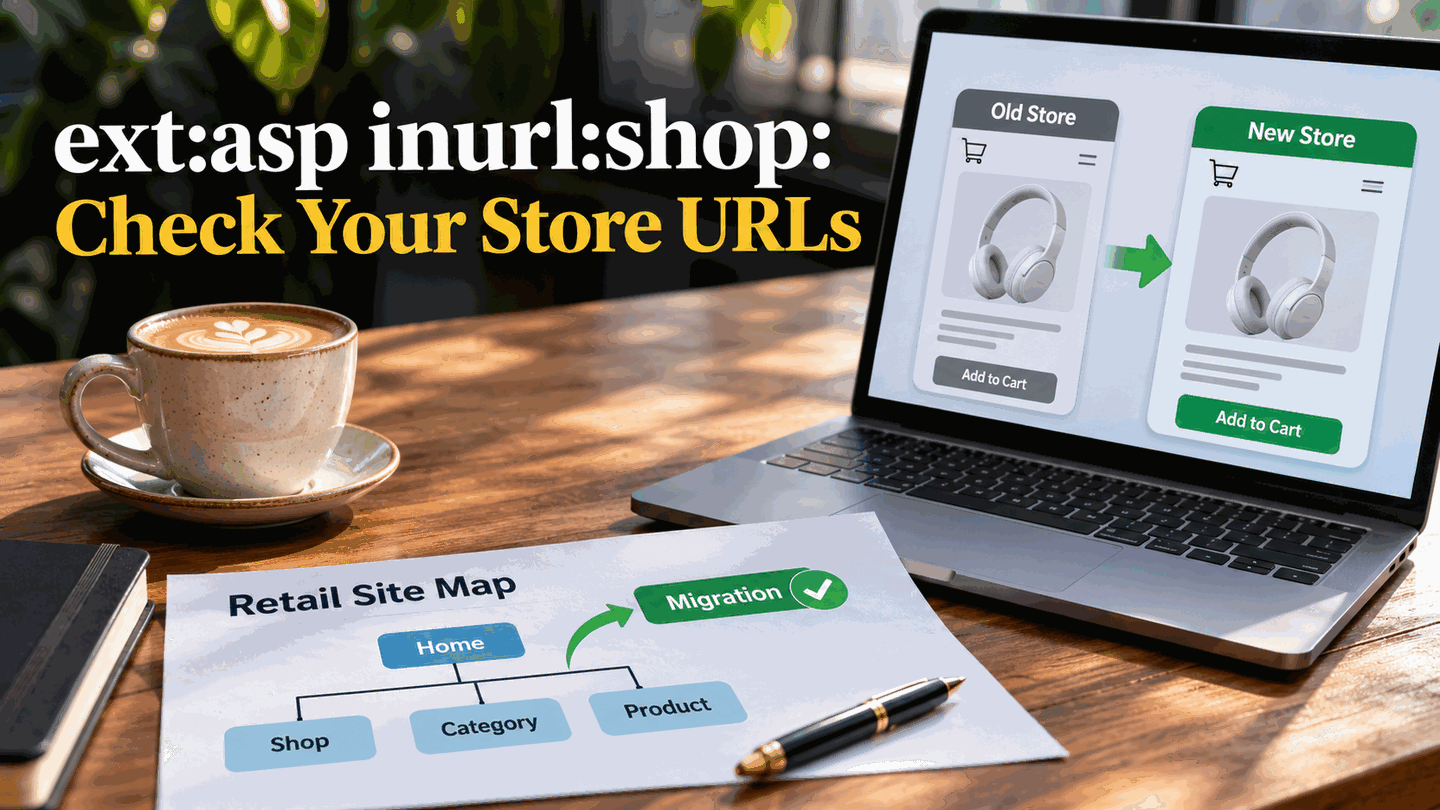
Check how a shopper reaches the new page
Open the old link as a visitor. Record the final address and check the page title and visible content. Then return to the store homepage and follow its normal links to the same item. Look at the category, any relevant subcategory and the product link. If those two routes do not lead to the same place, find out which one the publishing team intended.
Check older editorial material as well. A seasonal guide or an evergreen article can keep bringing readers to an address long after the menu changes. If you control that material, update the link to the current destination once the destination is verified. Keep a redirect where it serves a real need for older bookmarks or links you cannot edit. Google’s guide to ecommerce site structure explains how links between pages communicate their relationship and help Google find them.
Give product variants their own decision
A colour or size option can have a distinct URL, and the same item may also appear under several category paths. Write down whether each address serves distinct page content or represents another way to reach the same product. Compare your catalogue structure with Google’s ecommerce URL recommendations. If the catalogue has many similar URLs, have the person who owns its templates verify how the platform expresses your preferred page.
Inspect the old and new addresses in Search Console
In the verified property for your site, use URL Inspection on the exact destination. Note the indexed status, the last crawl date when available and any canonical information. Then record the equivalent facts for the older address if it falls within a property you can inspect. A new address and an old one can show different reports because they have different histories.
Use a live test if your question is about the version served now. The live report can help you see whether Google can examine the current page, while the indexed report gives the recorded view when available. A successful live test does not promise indexing. Use the distinction when someone asks whether a change you just made already appears in search.

Turn each finding into one clear correction
Give the store team the original address, intended destination, observed destination and relevant notes. Specify whether the issue is a redirect, an internal link or the indexed view. For example, a product page that works from the homepage may still receive an outdated link from an old guide. The guide link and the product page are separate pieces of work.
After the change, open the same link and compare the output with your first note. Verify the route from the homepage as well if you changed a menu or category. If the remaining issue concerns how the page is indexed, inspect the exact address again later and keep the indexed and live observations separate.
Frequently asked questions
Should I change a store URL just because it ends in ASP?
Choose based on the store’s needs and the customers who already use the address. A legacy suffix alone gives you no reason to move a working page. If a move is necessary, map the old address to the intended replacement and check the links you control.
Can one redirect handle every discontinued product?
Choose a destination according to what the original page represented and whether a close replacement exists. A broad destination can confuse shoppers when they expected an individual product. Discuss the outcome for each important page with the catalogue owner.
Why does a report still mention the old page?
The report may describe a crawl before the move. Compare dates and inspect both the known old address and the intended destination where you have the right property access.
What if the old link opens the right product?
Record the successful destination. Check whether your own pages still link to the old address and update them when appropriate. A search display can lag behind your live changes, so distinguish a working redirect from what appears in a result.
For related reading, see why old URL paths survive site moves and how language labels work in URLs.
