



QUICK ANSWER
The phrase ext:asp inurl:search cannot tell you whether your site search works well. Audit it with realistic visitor tasks, check that the controls are accessible, and use Search Console to inspect individual URLs you manage.
Someone comes to your website looking for a timetable. They can see the search box, type the name they use for the service and reach several plausible pages. If the first result is last year’s timetable, the search technically worked and the visitor still missed the answer. An audit should catch that difference.
An old-looking address can tell you something about a published link’s naming. It cannot tell you whether a visitor found the right page or whether a search preview points to current content. Start with the experience people have on your own site. Treat public indexing as a separate check.
Pick tasks that have a clear answer
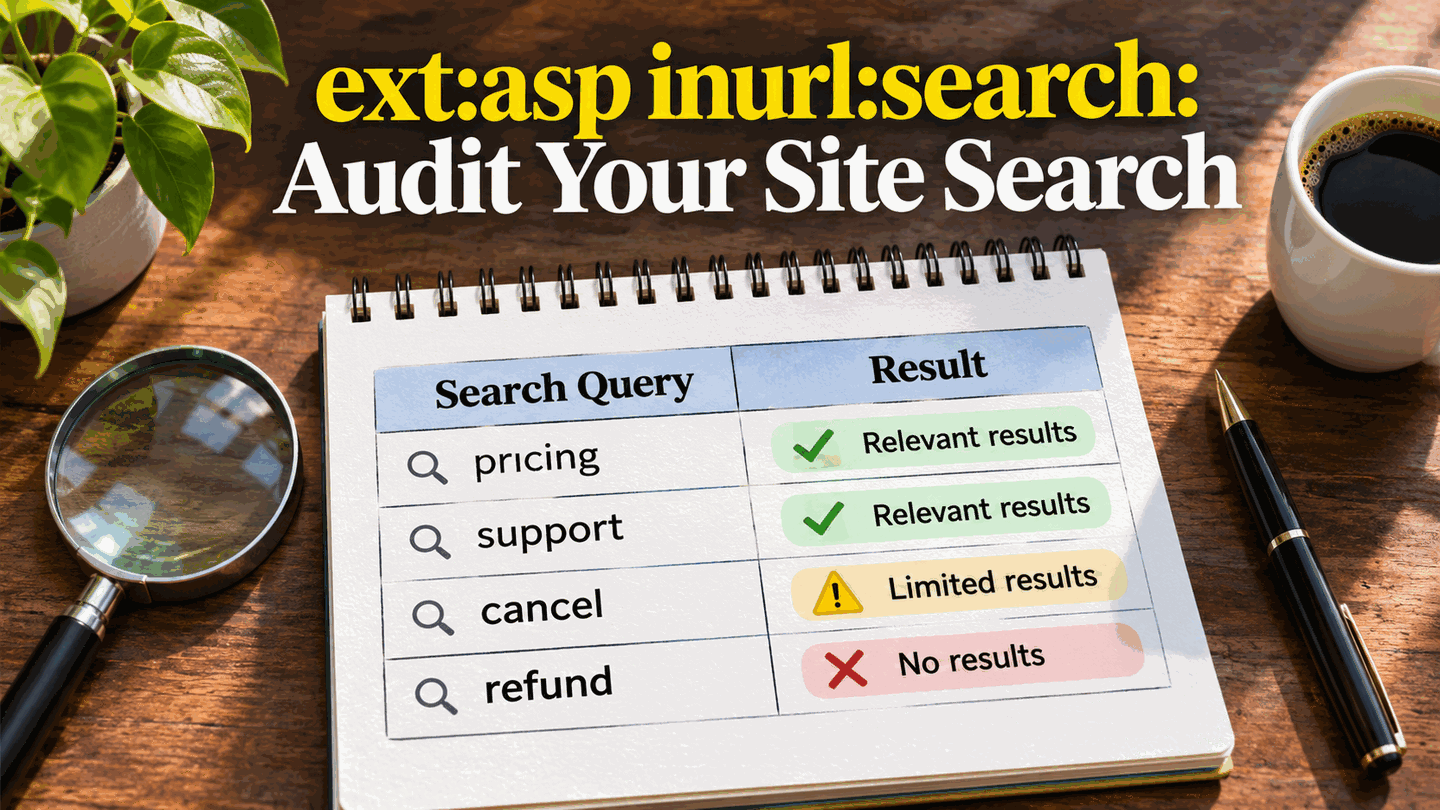
Collect a handful of real requests from your support team or website feedback. Look for questions that repeat and tasks with a known destination. Try the words visitors use, including common abbreviations or an earlier service name. Compare the results with the page your staff would send in a reply.
Record the exact wording you typed, the device you used and what the first useful result was. A ranking score is less informative than a short note explaining that the current appointment page was below an old notice. If no result helped, say whether the problem was a missing page, a different name or a result that was hard to recognize.
| Visitor task on your site | What to test | What to record |
|---|---|---|
| Find a service by its everyday name | Does a current service page appear? | The first result that explains the service |
| Return to a known policy | Are current and archived versions clearly distinguished? | Names, dates and visible status |
| Find a location from a phone | Can the visitor use the field and read the results easily? | Where the mobile flow becomes difficult |
| Correct an ordinary spelling error | Does the page offer a useful way to try again? | Suggested next step and visible wording |
| Look up an old program | Is a successor or archive clearly marked? | Whether the first result answers the visitor’s likely question |
Test the form before judging its results
Start a search without a mouse and check that you can reach the field and submit button. Read the field label and button on a narrow screen. Test with the accessibility tools you normally use. The W3C guide to labeling controls explains how labels help users understand a form and how they can be associated with the controls. A visible search field should still have a usable name when a person navigates by assistive technology.
After submitting, check where the next useful information is. Can you quickly identify the page heading, the result count or the first item? Try the same task from an empty result page. Keep the search box easy to find and tell the visitor what they can do next. If there is a spelling suggestion or a link to browse topics, make sure it leads somewhere that really helps.
Make useful pages recognizable
Read the titles that appear in search results without opening the destination pages. A title can be accurate and still hide the information a visitor needs most. Two pages called “Service update” are hard to tell apart. Clear titles that name the service and distinguish current information from an archive make decisions easier.
Deal with an old page according to what it contains. If it still has historical value, label its date and link to the current version. If it has a direct replacement, check that visitors from your own old links reach the equivalent page. Google’s site migration guidance advises directing moved pages to relevant replacements rather than sending unrelated addresses to a homepage.

Decide what belongs in public search engines
A useful internal results page and a useful landing page are different editorial choices. Your internal finder can remain valuable to readers even when you prefer public search engines to show the underlying service or article page. Review the individual URLs you manage before changing that policy.
Google Search Console’s URL Inspection help explains the difference between the indexed report and the live test. Use the indexed report for the version Google has recorded. Use the live test to check current retrieval and possible indexability. A live result does not prove the current version was already indexed.
If a public page should remain usable by direct link but should not be in Google’s index, consult Google’s noindex guidance. Google needs to be able to encounter the rule. Keep an index setting separate from access control for anything intended to stay private.
Does an ending on a search page show which software it uses?
A URL ending is a visible part of an address. Check your own system documentation if you need to know what handles that address today.
What should I fix after one poor result?
Check whether a current destination exists, can be found and has a title readers recognize. Test it again using the same visitor wording after the edit.
Can Search Console tell me what a visitor typed into my own website?
URL Inspection describes a specific URL in a verified property. To review internal search behavior, use your site’s own authorized reporting and established privacy practices.
For related reading, see how search previews draw on visible text and what an indexed URL can tell you.
