



QUICK ANSWER
The phrase ext:asp inurl:title describes address text. It cannot verify a page’s headline, software, or indexing status. For a page you manage, compare the published URL, visible heading, and indexed record directly.
A headline can change in seconds, while the address remains the same for years. That can leave a perfectly ordinary page with a link that reflects a title nobody sees any more. Before editing the address, check which part is causing trouble for readers. An outdated heading, a confusing link and a search preview that has yet to update are different problems.
Read the address beside the page
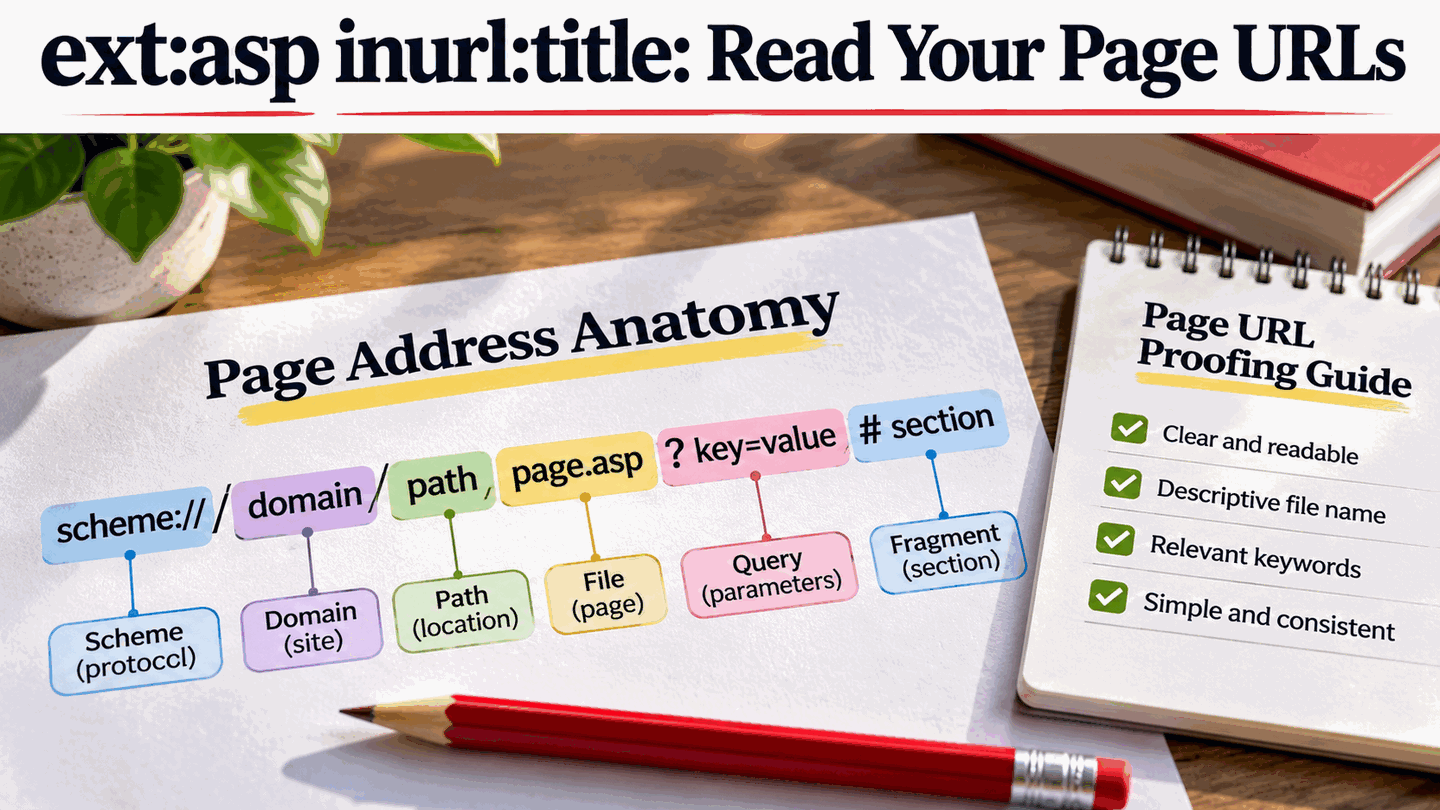
Start with the link your own site publishes. Copy it from the address bar after the page finishes loading. If you started from a bookmark or an old internal link, save that address separately so you can tell whether it redirected. Then write down the visible headline. A folder name, a filename-like ending or a short sequence of words in a URL gives you something to compare, but those characters cannot establish what the visitor actually reads.
A URL is an identifier. A headline tells readers what they are about to read. Your team can use a stable address for an evergreen guide and update its headline as the story changes. A link can also retain a familiar ending after a publishing migration. If the question is what software runs the page, use your own platform records or ask the team that maintains it.
| Item to record | Where to check on a page you manage | What it establishes |
|---|---|---|
| Address currently open | Browser after loading the page | Which URL the visitor reached |
| Visible headline | Main heading above the article | What someone reads on the page |
| Page title | Publishing settings or browser tab | A title supplied by the publisher |
| Search title link | The clickable text in a dated result | How Google presented the page in that result |
| Indexed URL and crawl information | The website’s verified Search Console property | What Google has recorded for the inspected address |
Decide which label should change
For an accurate page at an established address, you can often update the headline and page title without touching the URL. Make each one specific to the material it introduces. If you maintain a series, distinguish the individual guides so titles remain meaningful even in a tab list. Google’s title link guidance recommends descriptive titles and explains how Google can draw on the title element, the main visible title and other prominent text.
When creating an address for a new page, Google’s URL structure guide recommends a simple, descriptive format. For a page already used in newsletters or bookmarks, consider what a move would do to those links. If a move is warranted, update the links you control and send visitors from the old address to its genuine replacement. Use Google’s redirect guidance to choose the appropriate redirect for a permanent or temporary change.
Compare the indexed and current page
Open URL Inspection in Search Console in the verified property for the site you manage. Enter the complete page address. Review the last crawl and the URL Google selected as canonical, where those fields are available. Check the live test separately to see what the inspection tool can access now. The two reports answer questions about different moments. A successful live test alone does not prove that a new version has been indexed.

Keep a small before-and-after record when handing work to another editor. Include the former address, current address, headline and the date of the crawl or preview you checked. This helps the team spot a link that still needs updating without changing an already correct headline. If a result keeps an earlier title, check the page itself and have a recent crawl date at hand before describing the issue.
Questions about URL and title checks
Do the words in my URL need to match my headline?
They can offer a useful hint, especially when you publish a new page. An established address can remain stable while its headline changes.
Why does Google show different wording?
Google builds title links automatically and may draw on multiple sources. Check that the page title and visible heading clearly identify the same content.
What can I do with an old address?
Follow it on your own site and record where it lands. If you moved the page, confirm that the old address leads to the intended replacement.
Can a filename-like ending verify the publishing software?
It identifies a visible part of an address. If you need to document the software for a page you manage, consult the platform record or its maintainers.
For related reading, see how Google builds a visible title link and why older paths can remain in circulation.
